
Scan the shelf. Save the scroll.
Your shelf. Your scroll. One searchable recipe library.
Mium turns cookbook pages, handwritten cards, and Instagram or TikTok saves into clean recipes you can search, plan, and actually cook.
5 imports a week free 7-day Plus trial No ads, ever
See it. Save it. Shop it.
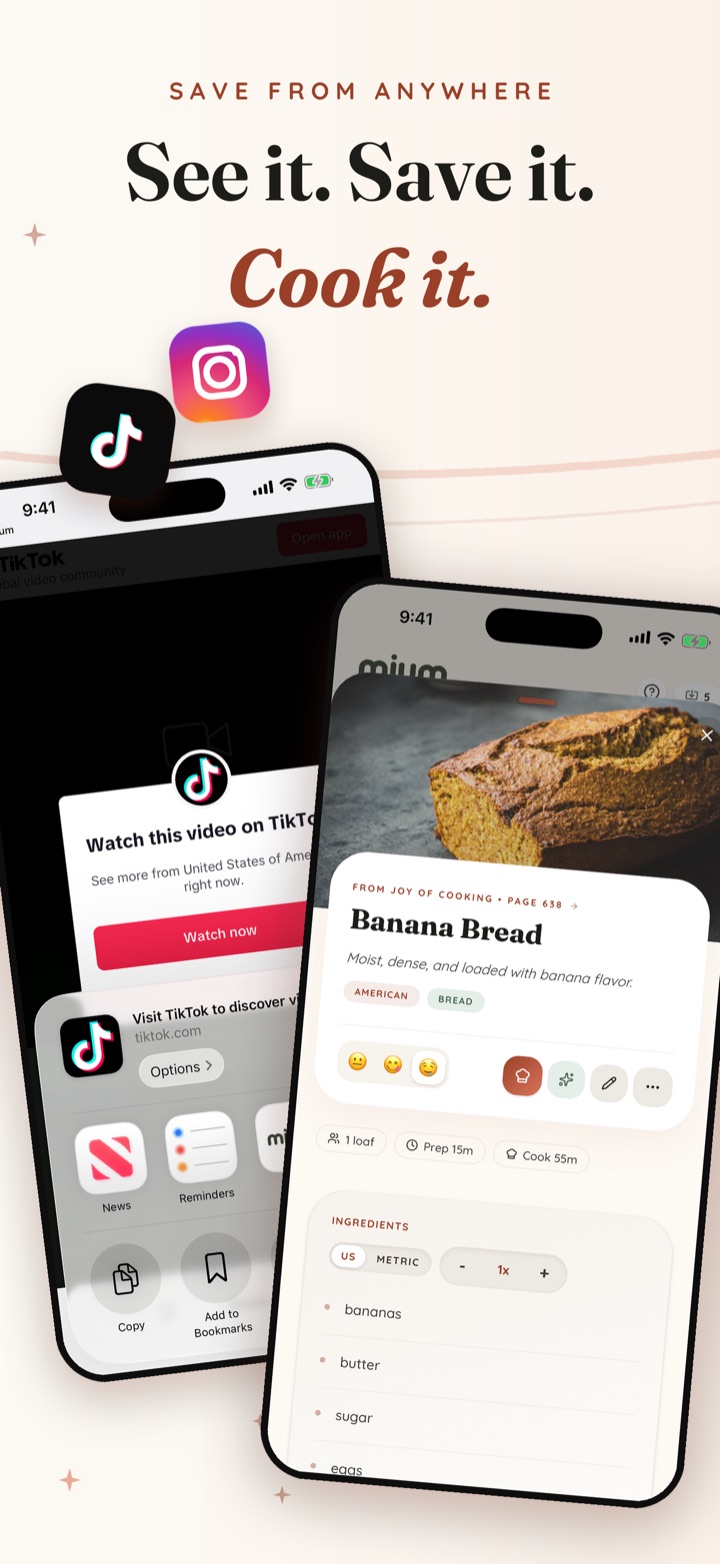
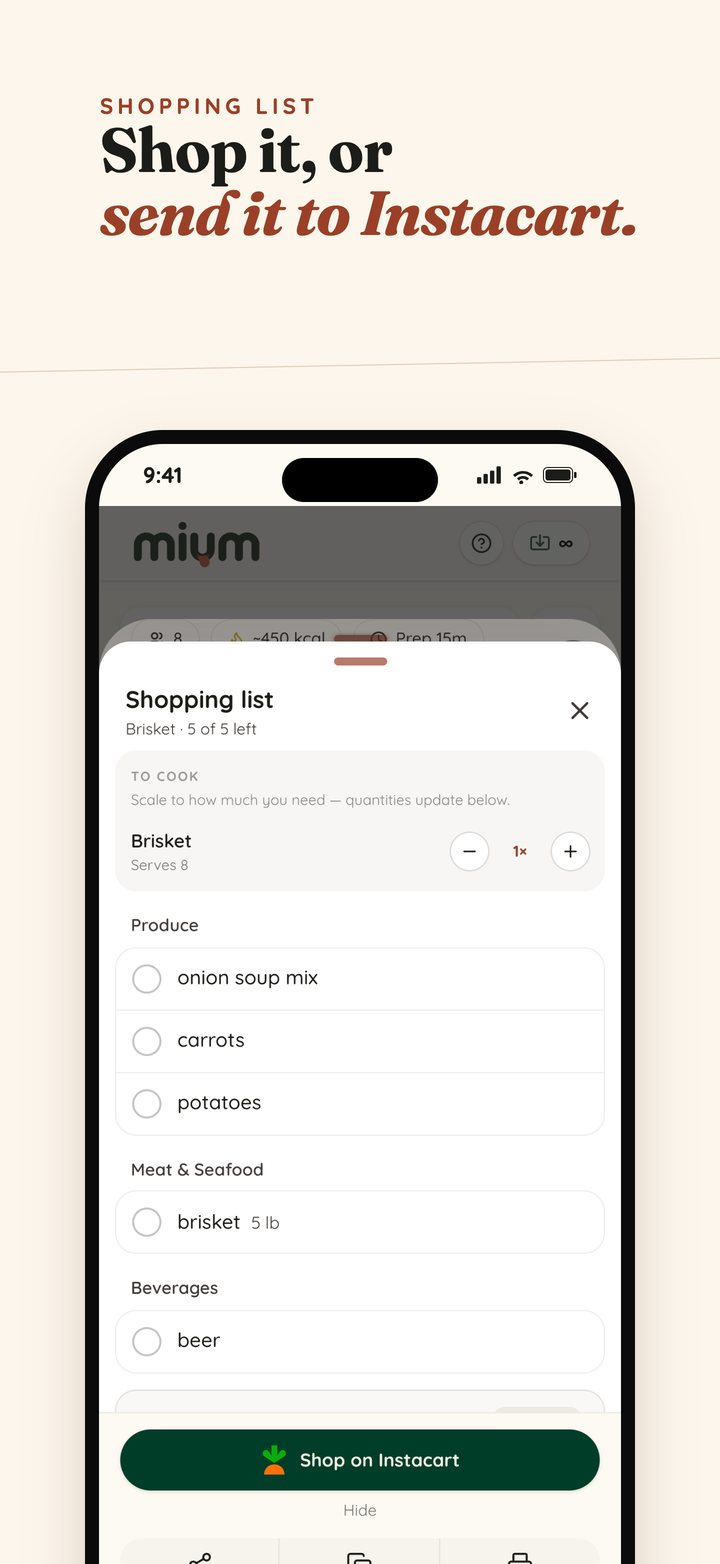
Share a recipe from Instagram or TikTok, and Mium turns it into a pantry-aware shopping list you can send straight to Instacart — all in under a minute.
Share the post

Any reel, video, or link — even when the recipe only lives in the caption.
It lands as a real recipe

Ingredients, steps, servings, and times — clean, searchable, and yours.
Shop only what you need

Mium knows what's already in your pantry and sets it aside — then sends the rest to Instacart.
Your kitchen, beautifully in order.
Save from anywhere, keep it organized, plan the week, and shop only what you need — here's the whole story.
Search everything you've ever saved.
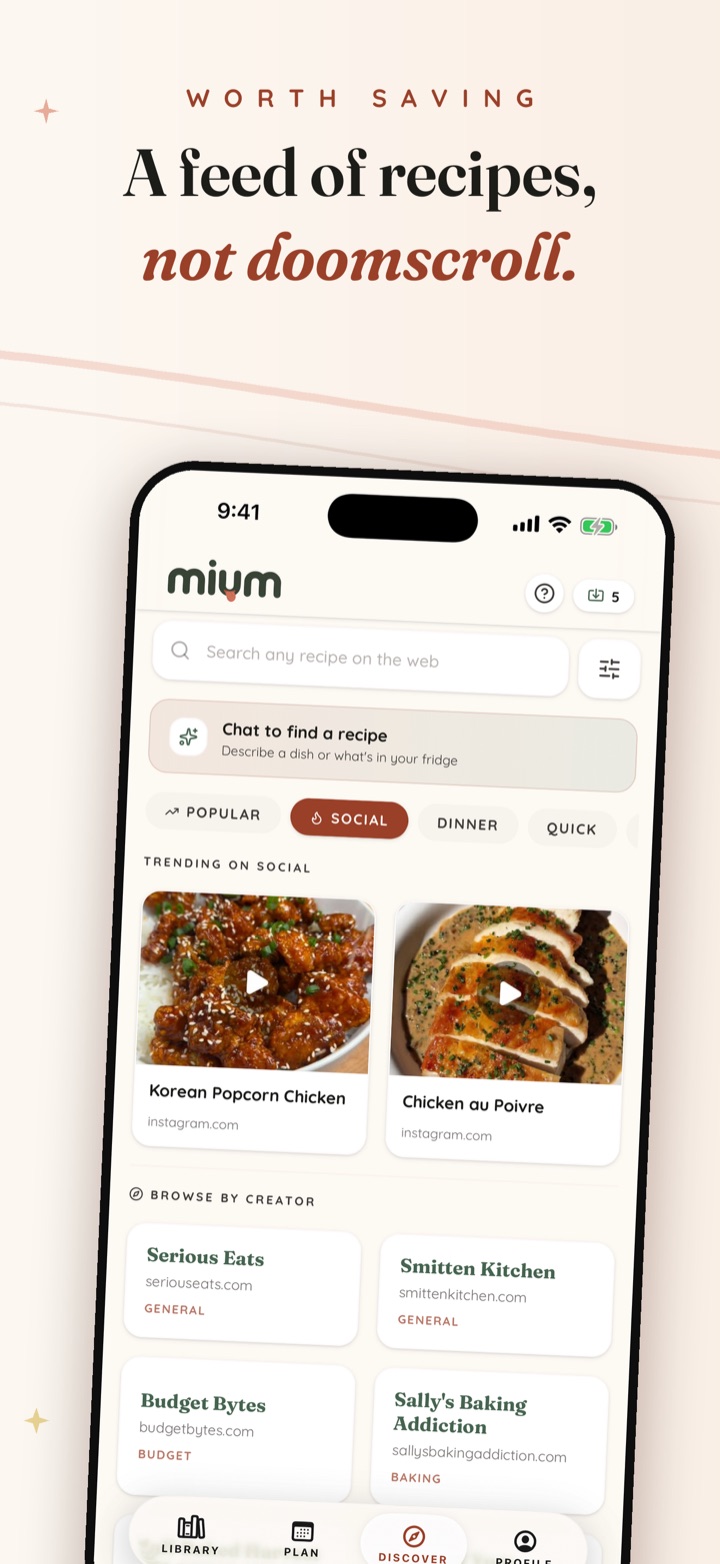
Cookbook scans, TikTok saves, screenshots, links — one search across all of it, by title or by the ingredients in your fridge.

Your cookbooks, screenshots, and saves — together.
The recipes trapped on your shelf, in your camera roll, and across your saved posts — finally together, searchable, and ready to cook.
Scan anything
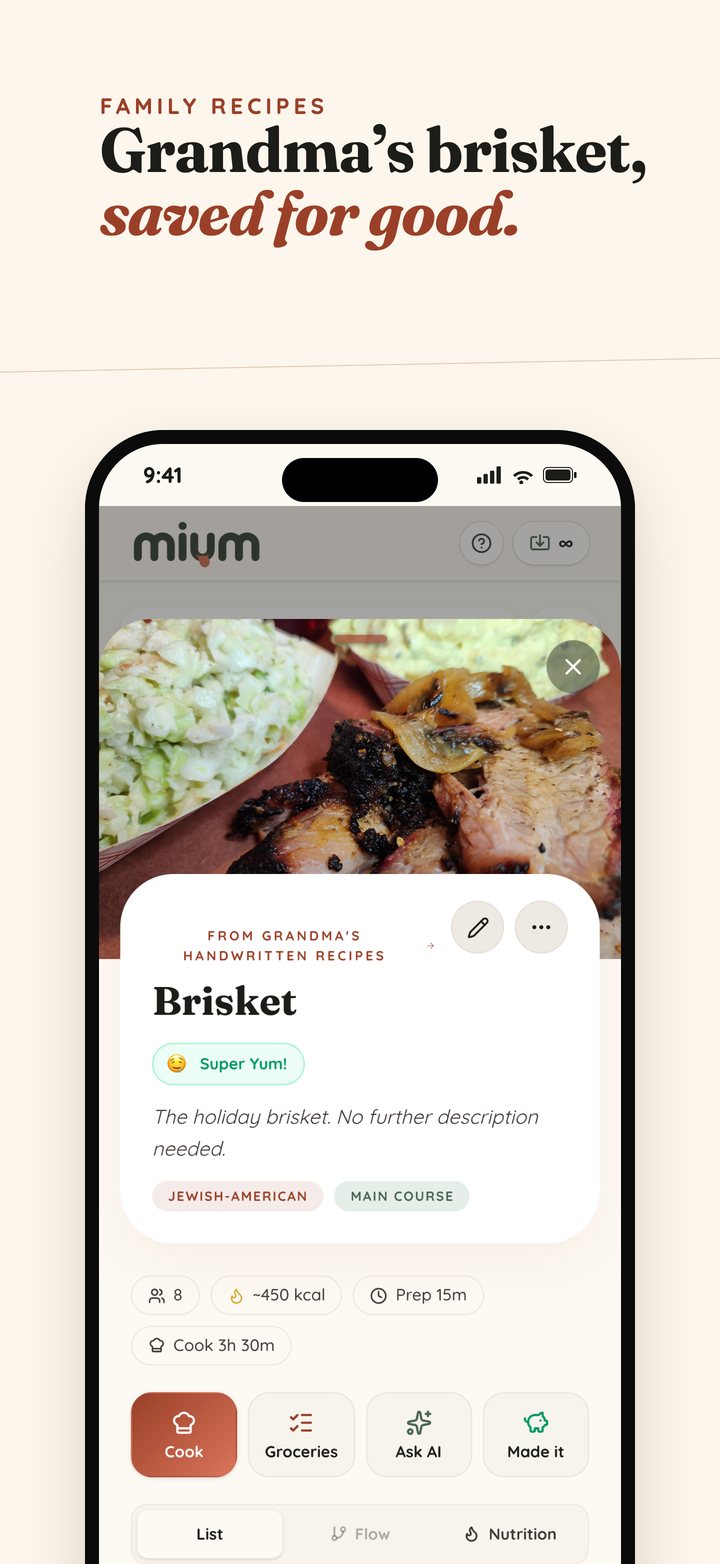
Cookbooks, recipe cards, clippings, and Grandma's handwritten notes become clean digital recipes — the originals stay attached.
Import from anywhere
Share a post from Instagram, TikTok, Pinterest, or YouTube — or paste any recipe link — and the recipe lands in your library.
Keep it organized
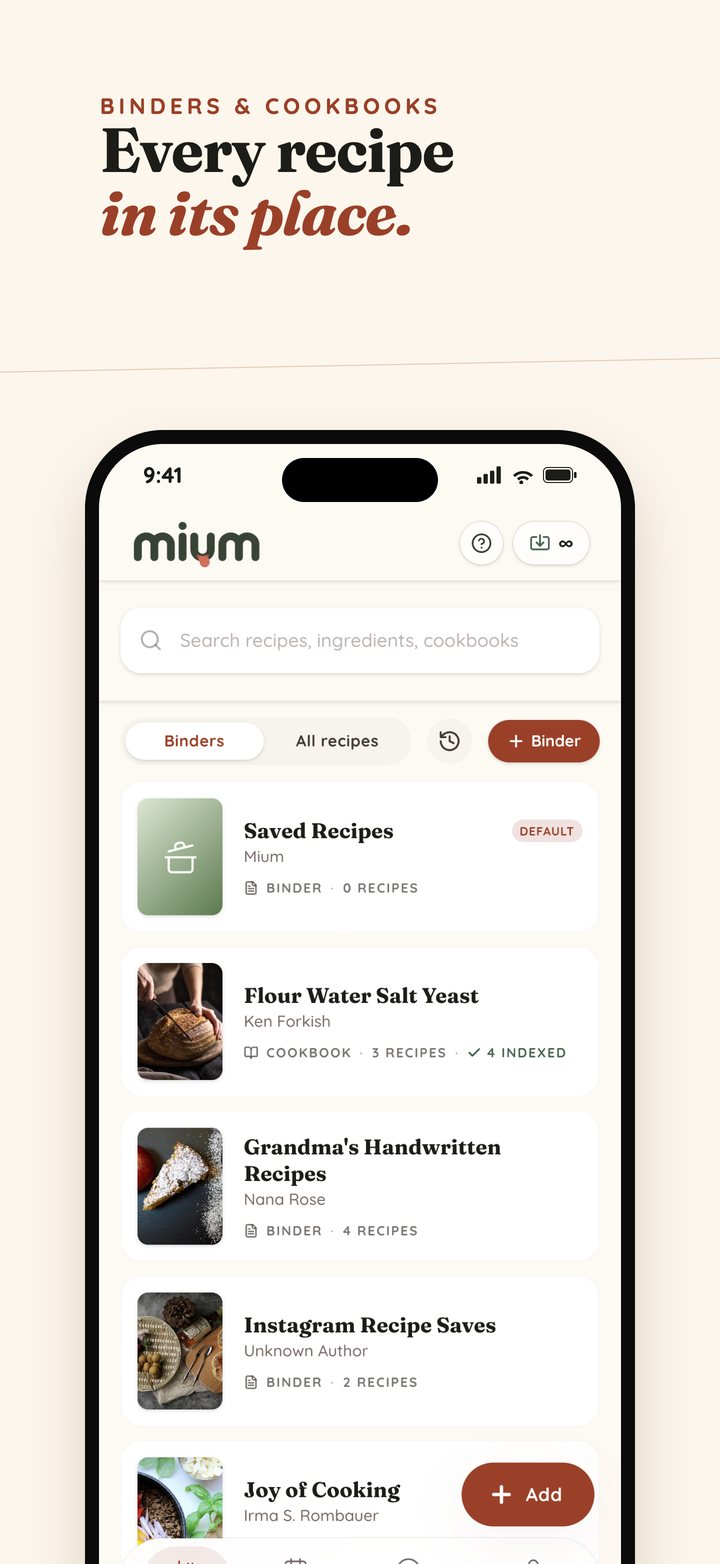
Binders for your own recipes, cookbooks for the real ones on your shelf, and one search across all of it — by title or by what's in the fridge.
Plan your week
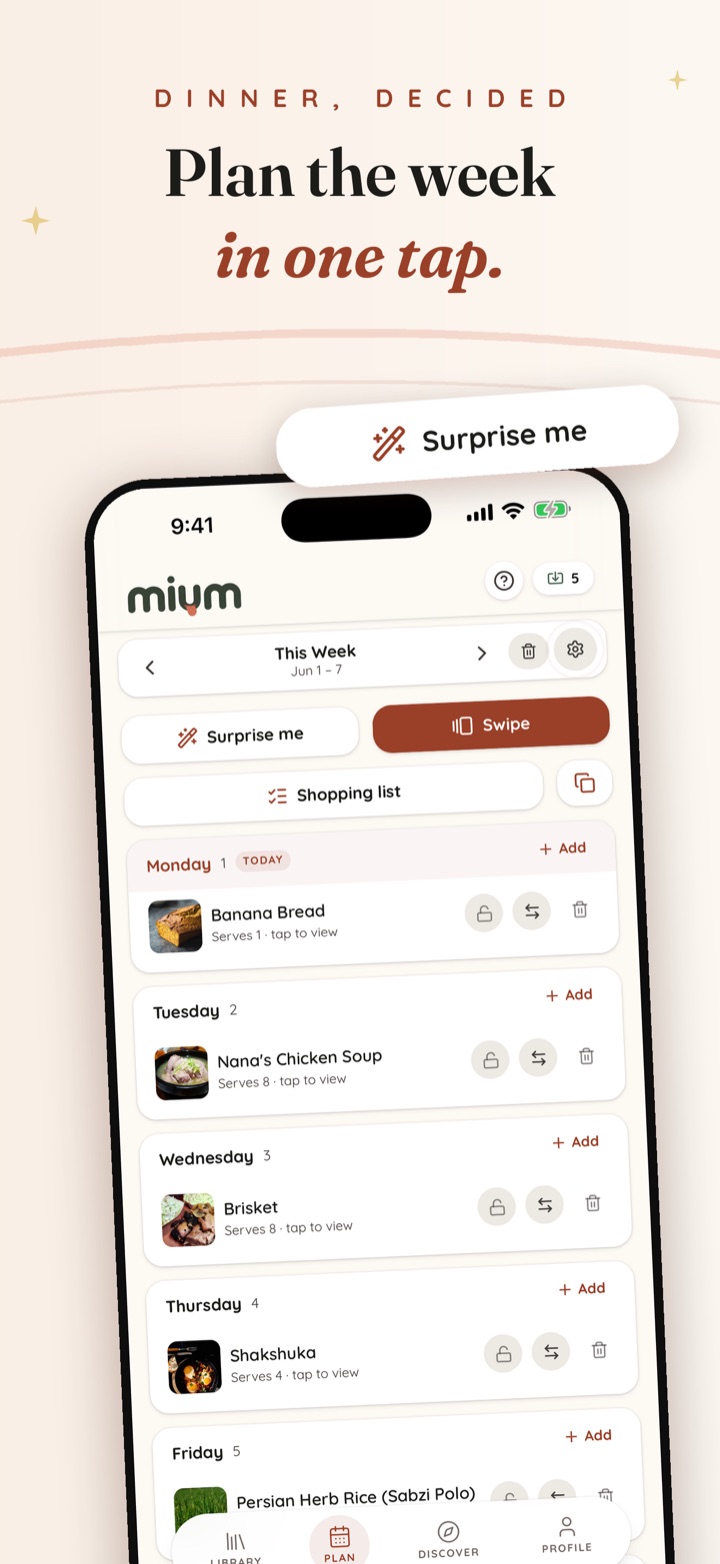
Drop recipes onto a weekly board and get one aisle-sorted shopping list from what you planned, with duplicates combined.
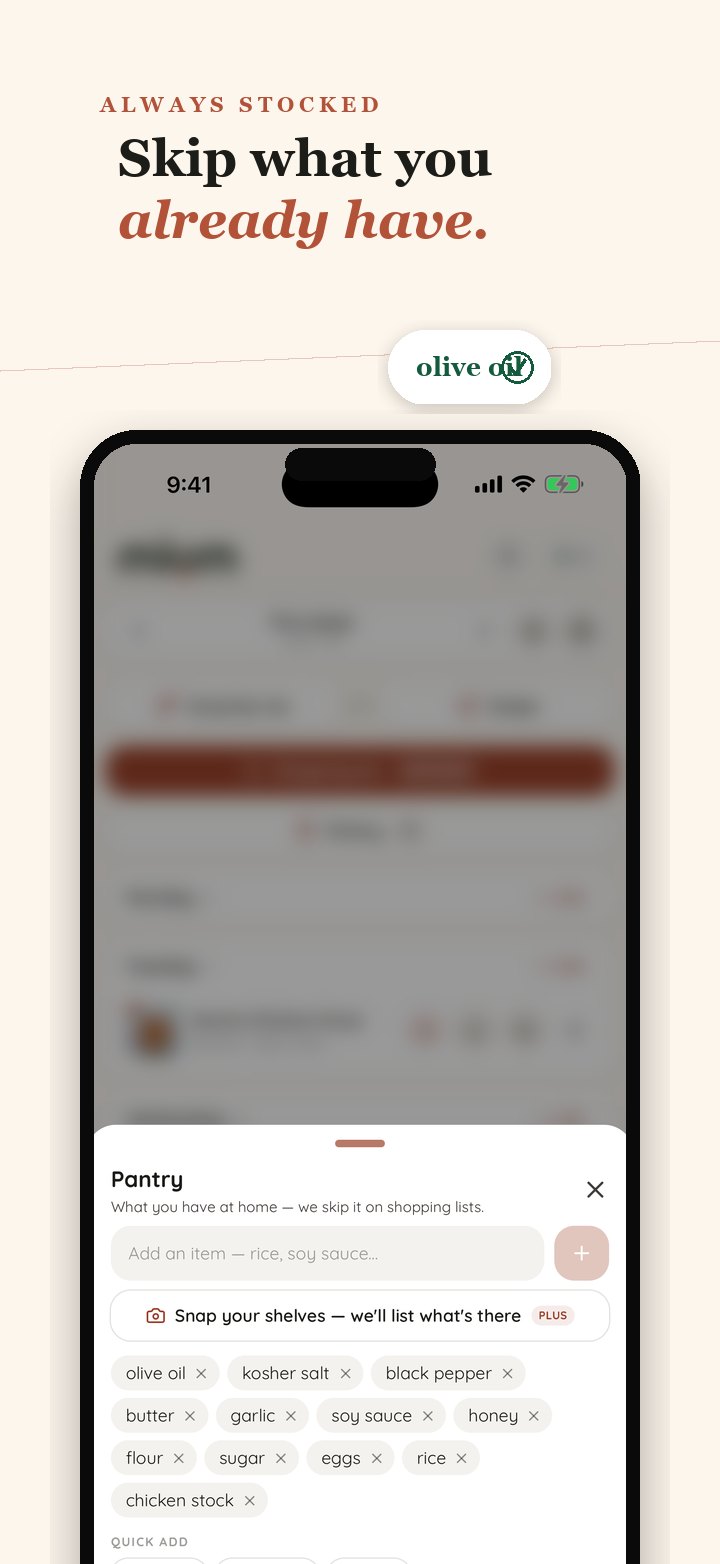
A pantry that pays attention
Tell Mium what you keep stocked and it sets those items aside on every list — so you only buy what you're actually out of.
Shop it on Instacart
Check items off at the store, or send the whole list to Instacart in a tap when it's a delivery week.
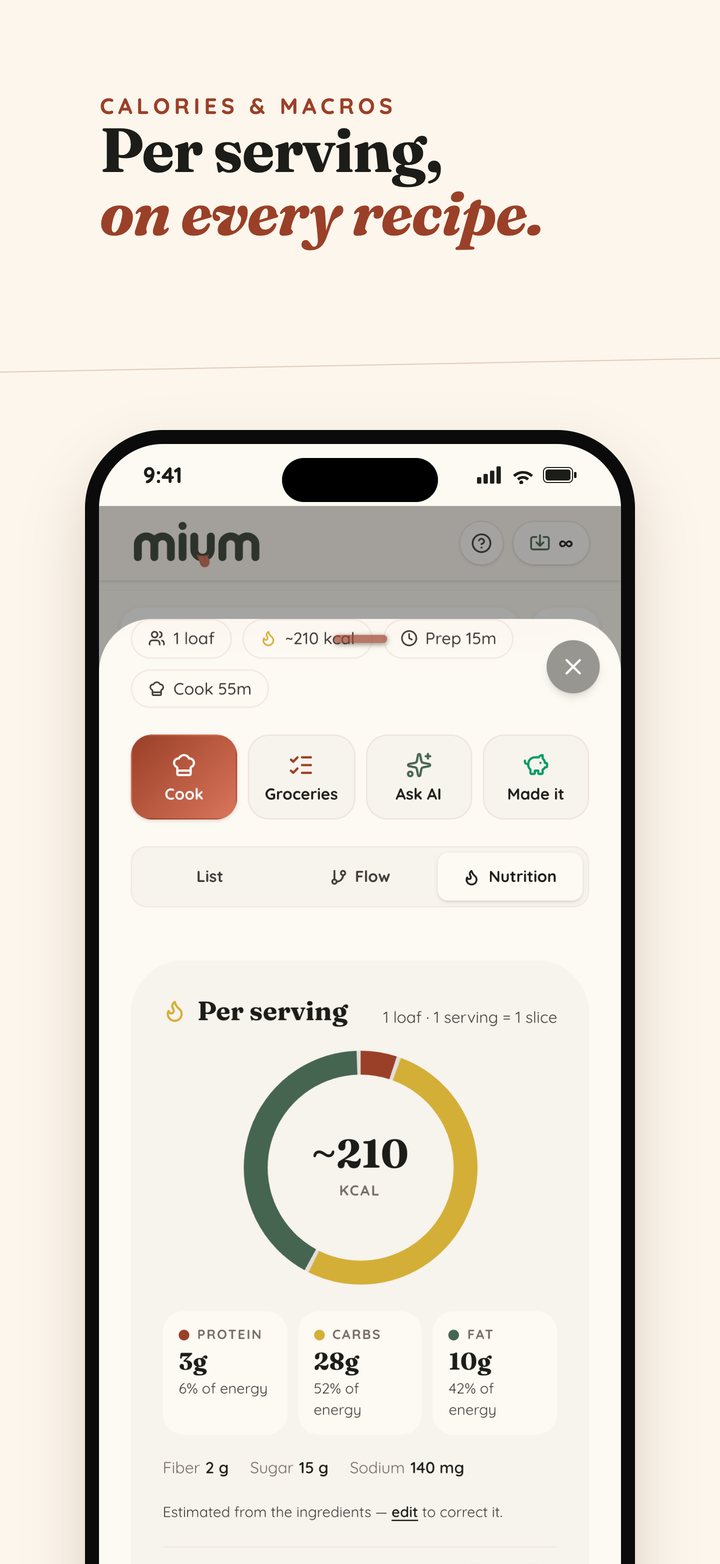
Calories & macros
Every recipe gets a per-serving estimate — calories, protein, carbs, and fat — so a family favorite can fit the plan too.
See it your way
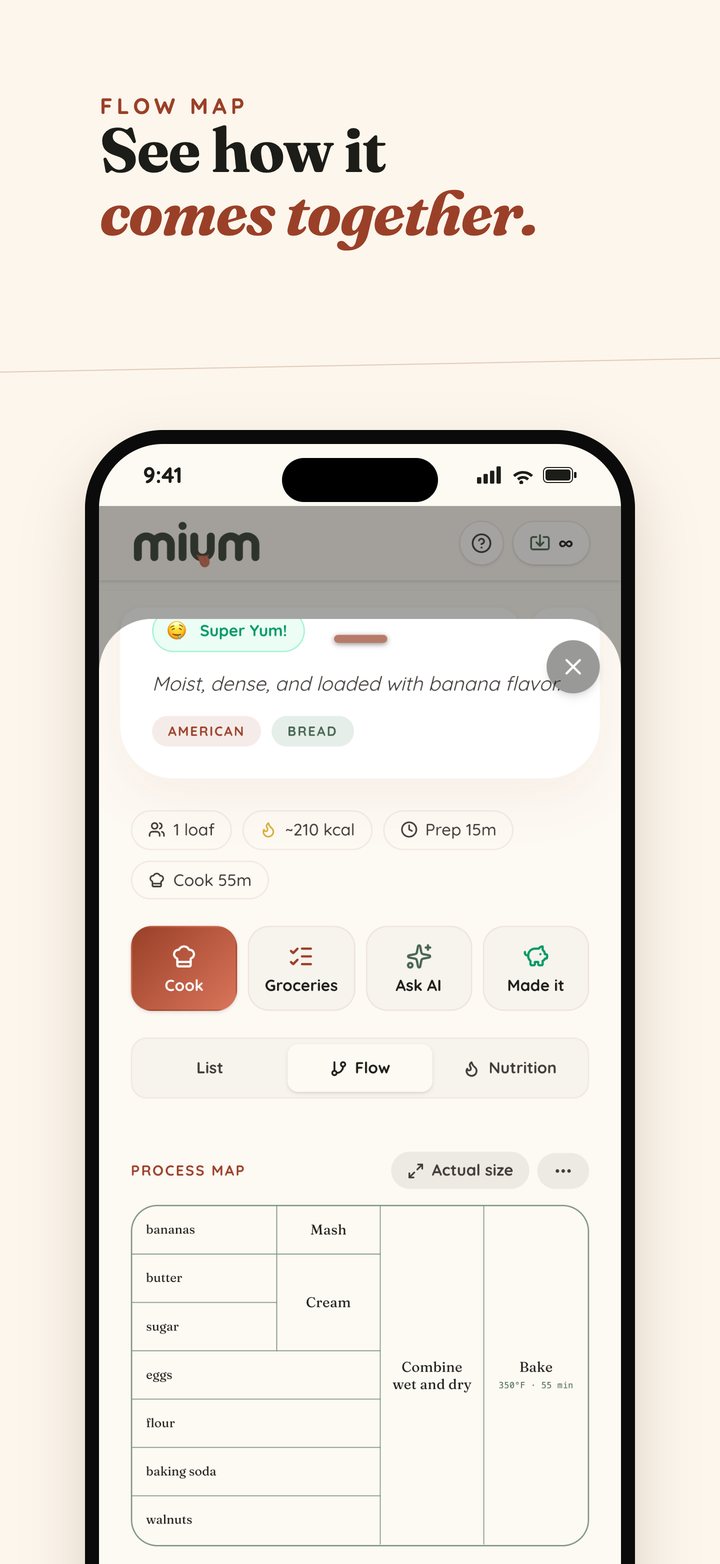
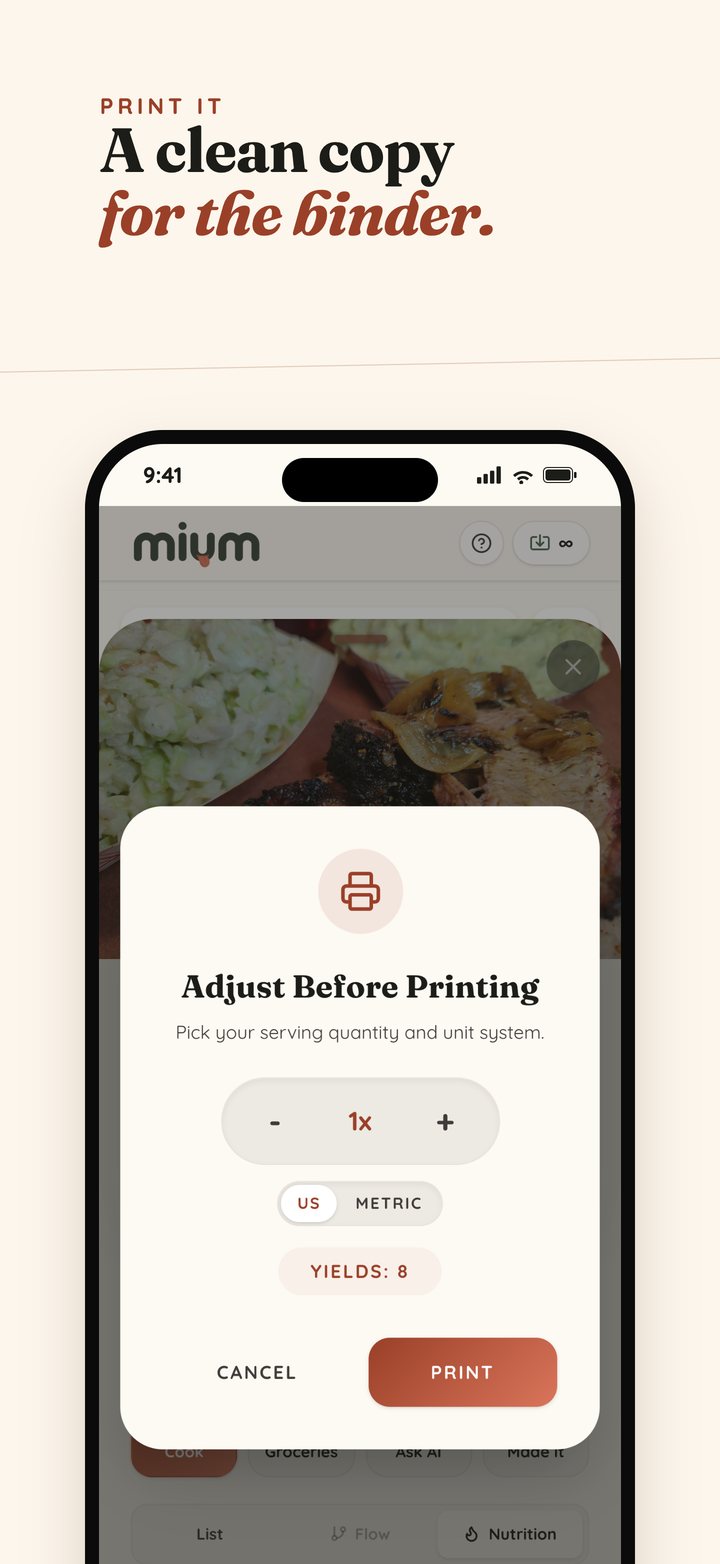
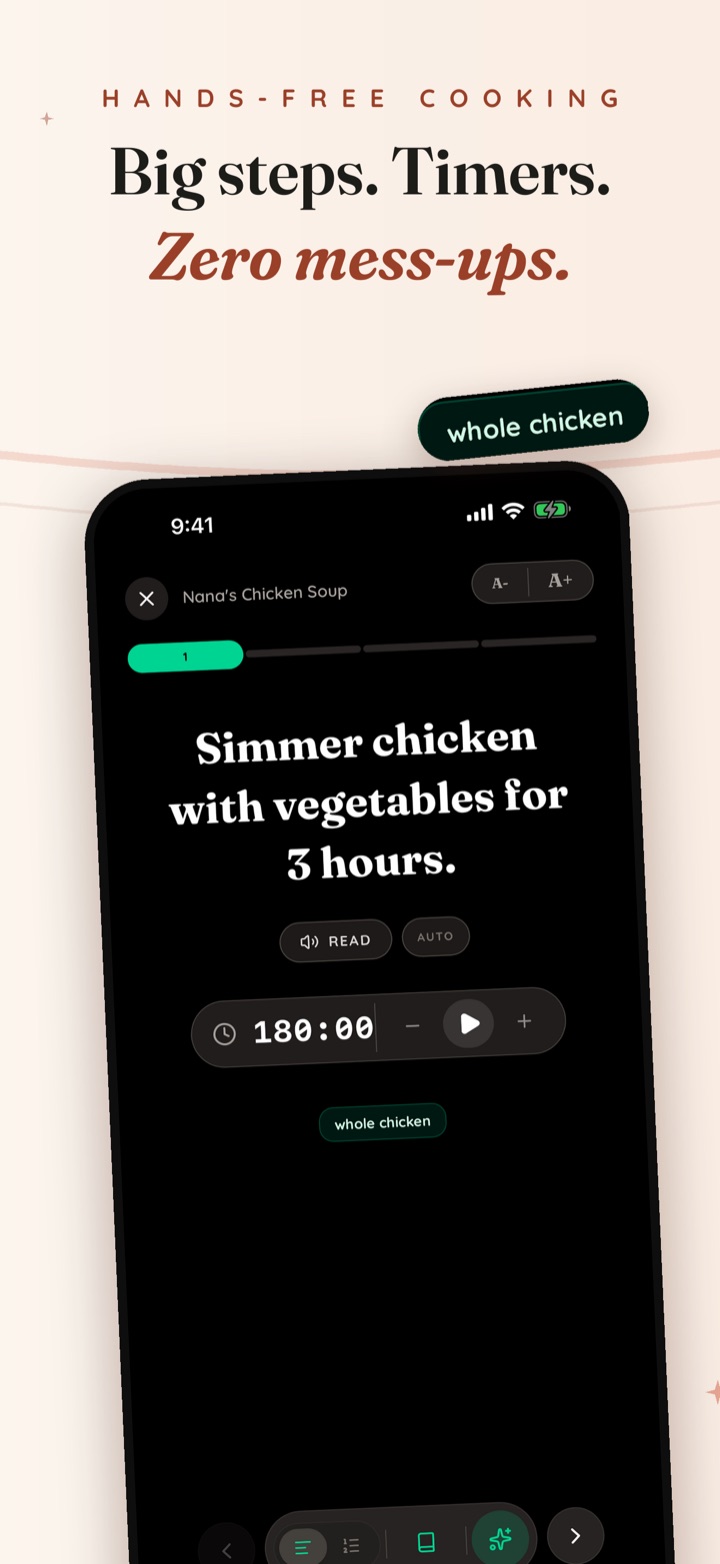
Read a recipe as a list, as a flow map that shows how the ingredients come together, or step by step at the stove — and print a clean copy for the binder.
Ask the AI Chef
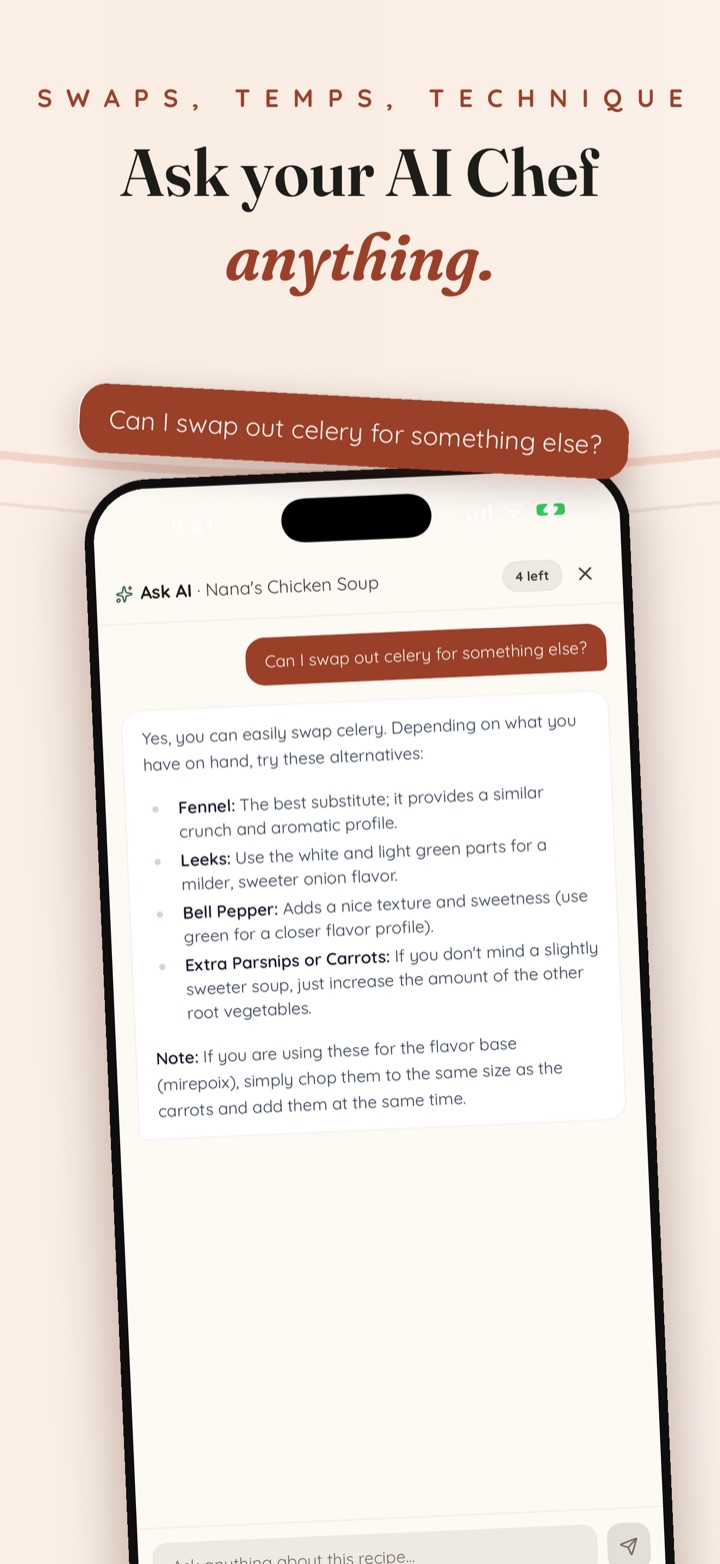
Substitutions, scaling, technique — ask anything about the recipe you're cooking and get a straight answer.
From shelf to supper in three steps.
Snap or share
Point your camera at a cookbook page, or share a post straight from Instagram or TikTok.
Review & save
Mium reads it into ingredients, steps, servings, and times. Give it a once-over and save.
Plan, shop & cook
Search everything you own, plan the week, shop a pantry-aware list (or send it to Instacart), and cook with the AI Chef on hand.
Free to start. Simple to upgrade.
No ads on either plan — your recipes are the whole point.
Free
- 5 free imports a week
- AI Chef on every recipe
- Unlimited manual recipes
- Catalog your cookbooks by ISBN
- Weekly meal planner & shopping list
Mium Plus
- Everything in Free
- Unlimited imports from anywhere
- Unlimited AI
- Flow maps on every recipe
- Calories and macros on every recipe
- Smart pantry — snap it, say it, or check it off your list
Frequently asked questions
What is Mium?
Mium is a recipe app that digitizes physical cookbooks. Point your camera at any cookbook page, recipe card, or handwritten note and Mium turns it into a clean, searchable digital recipe. It also imports recipes from Instagram, TikTok, Pinterest, YouTube, and recipe links, keeps everything organized in binders and cookbooks, plans your week, builds a pantry-aware shopping list you can send to Instacart, and shows calories and macros on every recipe.
How does cookbook scanning work?
Snap a photo of a cookbook page and Mium reads it into a structured recipe — ingredients, steps, servings, and times — after a short scan. You can batch the pages you actually cook and review everything before saving.
Can I import recipes from TikTok and Instagram?
Yes. Share a post to Mium or paste the link, and Mium pulls the recipe from the caption, slides, or video into your library. Links from recipe blogs and publisher sites work too.
How much does Mium cost?
Mium is free to use: 5 free imports a week, AI Chef on every recipe, unlimited manual recipes, and no ads. Mium Plus adds unlimited imports from anywhere and unlimited AI for $29.99 per year, with a 7-day free trial for eligible new subscribers.
Is my recipe library private?
Yes. Your library is private to your account, and Mium never republishes what you save. You choose what to share — individual recipes can be shared by link.
What platforms does Mium run on?
Mium runs on iPhone and on the web at getmium.com. Create a free account and your library syncs across devices.
Does Mium build a shopping list?
Yes. Plan your week and Mium turns every planned recipe into one aisle-sorted shopping list, combining duplicate ingredients and setting aside anything already in your pantry. Check items off at the store or send the list to Instacart where Instacart operates.
Can I print my recipes or see nutrition?
Yes. Every recipe can be read as a list, as a flow map that shows how the ingredients come together, or step by step while you cook, and printed as a clean page. Mium also estimates per-serving calories and macros for every recipe; Mium Plus unlocks the flow map and nutrition views.
Tonight's dinner is already on your shelf.
Bring your cookbooks with you — start free in under a minute.